
Best Legal Billing Software for Chapter 13 Payment Plans (July 2026)

Running a Chapter 13 practice means your billing is structurally different from every other case type your software was probably built for. The fee is court-approved, the collection is split between the client and the trustee, and the timeline runs up to five years per case. If your current setup can't model both sides of that without a spreadsheet in the middle, you're already losing time on every case. Here's what we looked at to find legal billing software with payment plans built for bankruptcy law Chapter 13 firms in 2026.
TLDR:
- Chapter 13 billing splits fees across a pre-petition retainer and a trustee-disbursed plan, running 36 to 60 months per case.
- Your billing software must model both payment streams against one matter or staff track the gap in spreadsheets.
- Model Rule 1.15 requires IOLTA segregation; moving retainer funds to operating before filing puts you out of trust.
- Milestone-based payment gates stop unbilled work from advancing against unpaid retainers without a manual check.
- Glade AI builds native payments into the Chapter 13 case workflow, so a retainer installment and a workflow gate release are the same event.
Chapter 13 Billing Is Structurally Different From Chapter 7
A Chapter 7 case closes in roughly four months. A Chapter 13 case runs 36 to 60 months, with the attorney fee sitting inside a court-approved plan that pays out through the trustee across that window. Some fees clear at engagement; the rest arrive in monthly slices from a trustee disbursement register the firm matches against its own ledger.
Standard billing tools were built around one moment: retainer in, hours logged, invoice sent. For firms looking at bankruptcy case management software, the Chapter 13 fee structure demands something more. For Chapter 13 practices, typical Chapter 13 attorney fees, most recovered through the plan instead of the client's checking account.
That gap creates three billing realities:
- Fees are subject to court approval, often through district-level no-look caps
- Recovery is spread across dozens of trustee-issued payments, not one or two client charges
- Pre-confirmation collection from the client has to sit alongside a court-supervised repayment stream without double-charging
Tools that assume a single AR channel from client to firm can't track the split cleanly.
How Attorney Fee Payment Plans Work in Chapter 13 Cases
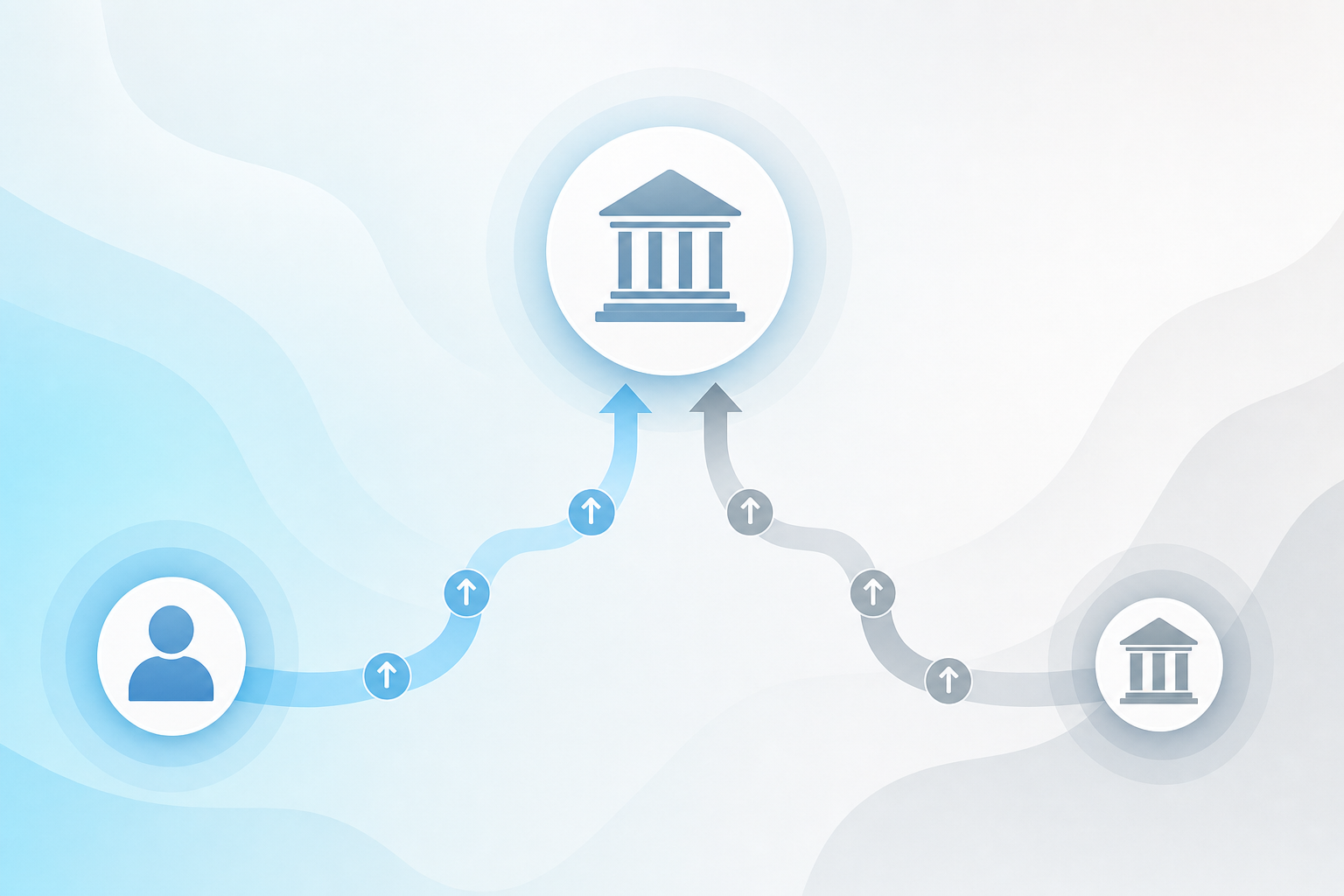
The typical structure: the firm collects a pre-filing retainer covering the filing fee and a slice of the attorney fee, then rolls the balance into the confirmed plan as a priority administrative expense under Section 507(a)(2). The trustee pays it out over the plan term, pro-rata against other administrative and priority claims.
Two statutes shape what the software tracks:
- 11 U.S.C. § 329 requires disclosure of every dollar of compensation paid or agreed to within one year of filing, on Form 2030
- 11 U.S.C. § 330 conditions payment on the court finding the fee reasonable
No-look fees let most districts skip a full lodestar review. A district sets a presumptive cap, often $4,500 to $6,500 for a standard consumer Chapter 13, and fees at or below clear without an itemized application. Cross it and you file a full fee app with time records.
Pre-confirmation dismissal flips the ledger. The unpaid balance stops flowing through the trustee, disbursed amounts stay with the firm, and the rest reverts to direct AR from the client, which is one reason bifurcated retainers and cash flow deserve their own billing framework, subject to Section 329 refund analysis if the total collected looks unreasonable in hindsight.
What Legal Billing Software Must Handle for Chapter 13 Practices
Before shortlisting tools, pin down what a Chapter 13 billing workflow actually demands. General legal billing software covers some of these; almost none covers all of them cleanly.
- Installment scheduling with a configurable first-payment date, so the retainer clears before the plan starts pulling
- Flat-fee invoicing keyed to the no-look cap, not hourly timekeepers
- Stored payment method charging with automatic retries on failed cards or ACH pulls
- IOLTA and operating account separation, with unearned funds sitting in trust until earned
- Client portal view showing what has been paid, what remains, and what routes through the trustee
- QuickBooks sync so trustee disbursements and client installments both land in the general ledger
- Retainer-and-plan bifurcation, holding pre-filing collections separate from post-confirmation trustee flow
The gap most firms hit: their billing tool assumes the client pays the firm directly on a schedule the firm controls. Chapter 13 splits that stream. A tool that models only one forces staff to track the other in a spreadsheet, which is where reconciliation errors live.
The Bifurcated Retainer Model and What It Requires From Software
Bifurcation splits the fee agreement in two. The pre-petition slice covers intake, credit counseling, document assembly, and bankruptcy petition prep, paid on an installment plan that closes the day the petition hits PACER. The post-petition slice covers plan drafting, confirmation, and post-confirmation motions, disbursed through the trustee on the court's schedule.
The software has to model both against one matter without bleeding them together:
- A retainer AR ledger with its own installment schedule and completion threshold, separate from the plan-funded balance
- A pre-filing gate that blocks petition submission until the pre-petition portion clears
- A post-petition ledger seeded at confirmation, drawn down as trustee disbursements arrive
- Disclosure fields that feed Form 2030 automatically
Miss any of those and staff rebuild the picture in Excel every month.
Legal Billing Software Options for Chapter 13 Firms in 2026
Three categories of tools currently serve Chapter 13 billing needs, each with a different starting assumption about where billing lives in the case lifecycle.
Standalone payment and billing tools
LawPay, Gravity Legal, and similar processors handle card and ACH collection, IOLTA compliance, and stored payment methods. They plug in alongside whatever case system the firm already runs. The limitation shows up in reconciliation: the billing tool doesn't know a petition was filed, when confirmation happened, or what the trustee disbursed. Staff bridge the gap by hand.
Practice management software with billing modules
Clio, MyCase, and PracticePanther bundle invoicing, trust accounting, and payment plans into the same interface as matter management. Time entry and flat-fee billing both work, IOLTA is handled natively, and reports pull cleanly. What's missing is bankruptcy specificity, per an industry roundup of legal billing tools: no concept of a no-look cap, no split between pre-petition and post-confirmation ledgers, no gating tied to petition submission.
Bankruptcy-native software with embedded billing
Proven tools like Best Case and Jubilee handle petition prep and core case tracking well for firms running standard consumer bankruptcy volume. Jubilee covers petition prep and district-specific plan forms well for consumer bankruptcy firms. Where they differ is in billing depth: they treat billing as a lightweight add-on instead of building payment gates, installment logic, and bifurcated ledgers into the case workflow.
Category | Examples | What It Does Well | What It Misses for Chapter 13 | Best Fit |
|---|---|---|---|---|
Standalone payment & billing tools | LawPay, Gravity Legal | Card and ACH collection, IOLTA compliance, stored payment methods | No petition or confirmation awareness; staff bridge the trustee-disbursement gap by hand | Firms happy with their case system but bleeding on collections |
Practice management with billing modules | Clio, MyCase, PracticePanther | Flat-fee invoicing, trust accounting, payment plans, IOLTA native, clean reports | No no-look cap concept, no bifurcated pre-petition / post-confirmation ledgers, no petition-tied payment gates | Multi-practice-area firms where Chapter 13 is one of many case types |
Bankruptcy-native software with embedded billing | Best Case, Jubilee, Glade AI | Billing events fire off case milestones; payment gates, installment logic, and bifurcated ledgers built into the workflow | Legacy tools treat billing as a lightweight add-on; newer entrants (Glade) build full bifurcated logic natively | Chapter 13-heavy practices where billing complexity is inseparable from case complexity |
Which category fits depends on where the firm's bottleneck sits. Firms happy with their case system but bleeding on collections lean toward standalone billing. Multi-practice-area firms lean toward general practice management. Chapter 13-heavy practices where billing complexity is inseparable from case complexity lean toward bankruptcy-native tools.
Bankruptcy Billing Software Must Meet IOLTA and Trust Account Standards
State bar rules under Model Rule 1.15 require client funds to sit in a separate IOLTA account, untouched until the fee is earned. That is the line between a routine audit and a disciplinary hearing.
"Trust accounting" gets used loosely in billing copy. The practical bar a Chapter 13 firm should hold a tool to is narrower:
- Transaction-level segregation between client-held funds and earned fees, going beyond a labeled account
- Configurable rules preventing sweeps from trust to operating until an invoice is applied
- On-demand three-way reconciliation matching bank statement, trust ledger, and client sub-ledger balances
Pre-filing retainers sit in trust for weeks while credit counseling, document collection, and means-test analysis run. Move those funds to operating before filing, and the firm is out of trust before the work is done.
Payment Gates Tie Billing Directly to Case Progression
Most billing tools sit next to the case workflow, not inside it. A staff member charges the card, checks the receipt, and manually moves the case forward. That handoff is where Chapter 13 cases stall.
Milestone-based payment gates for bankruptcy attorneys close the gap by making the billing event itself the trigger. The case advances when the payment posts. It holds when it doesn't.
In a Chapter 13 workflow that means:
- Intake stays gated until the initial retainer slice clears
- Document collection stays closed until the pre-petition installment plan hits a firm-set threshold
- Petition review is blocked when outstanding fees exceed the defined cap
- Post-confirmation trustee receipts advance the post-petition ledger without paralegal touch
Gates are only enforceable when billing and case management share one canonical record of matter status. Firms running disconnected stacks pay twice: once in unbilled work performed against unpaid retainers, again in reconciliation time confirming which cases are safe to move forward. The right Chapter 13 case management with payment automation eliminates that double cost.
AR Visibility Breaks Down at Chapter 13 Volume Without the Right Software
At 50 concurrent Chapter 13 cases running 36 to 60 month payment streams, a firm tracks hundreds of live installments, and Chapter 13 plan calculations feed directly into how much of that revenue actually clears. No office manager eyeballs that from case files.
What breaks first is usually invisible:
- Stored cards that expire, fail once, and never retry, quietly bleeding a case off the collection curve
- Clients who signed a retainer but whose installment plan was never formalized in the billing tool
- Plans that stalled mid-schedule after a charge bounced and the paralegal moved on
The software has to surface three things without a manual sweep:
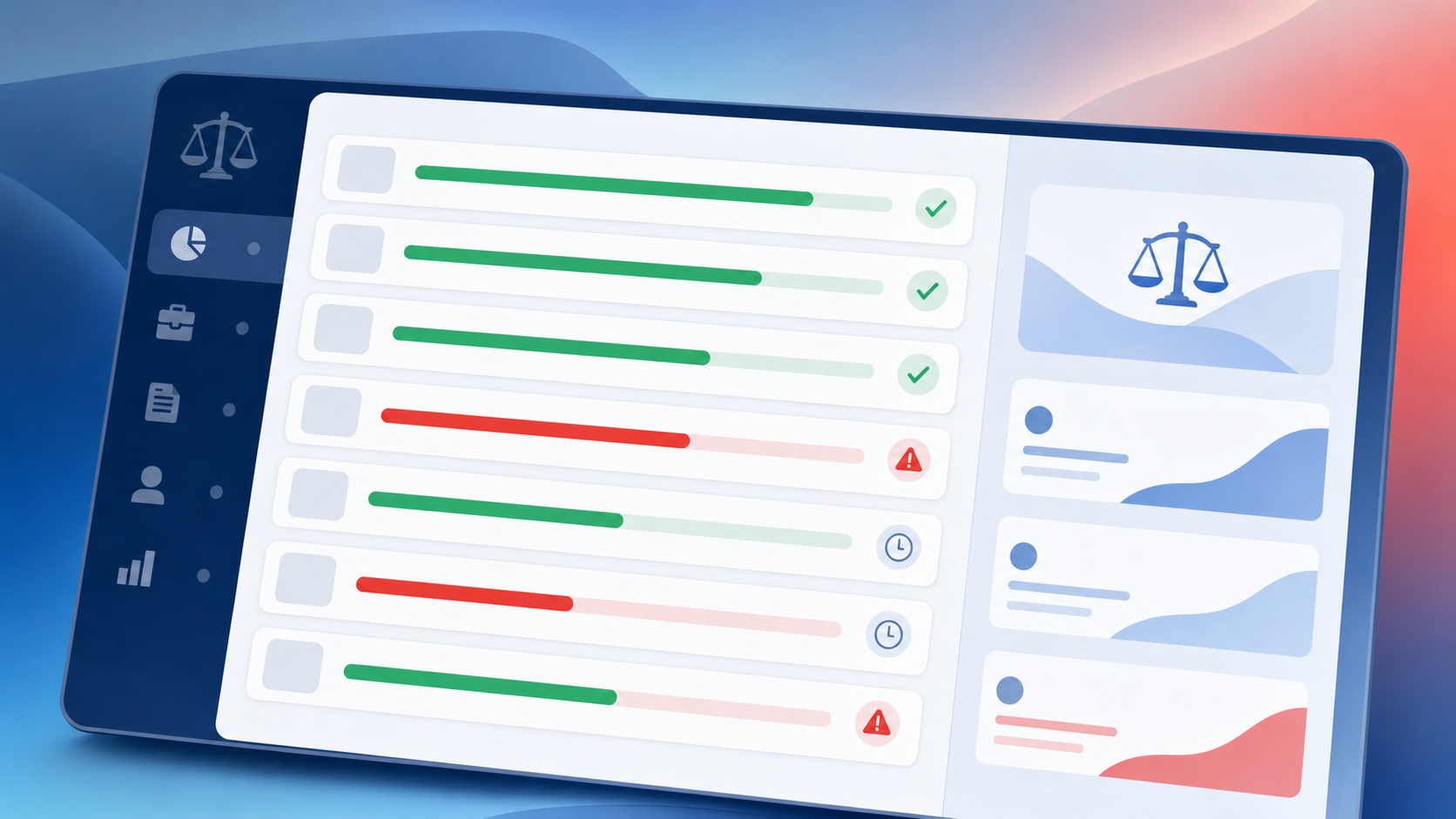
- Collection status per case, flagged behind, on schedule, or no plan attached
- Payment plan health across the caseload, filterable by dollars outstanding and days past due
- Automatic retry logic on failed charges, with client notification and staff escalation when retries exhaust
How Glade AI Handles Chapter 13 Billing and Payment Plans
Glade's native payments sit inside the case workflow, so a retainer installment, a payment gate release, and a workflow advancement are the same event. Clients see a progress ring that fills as installments post; when it hits the threshold, the gate flips and the case moves.
A few specifics worth naming:
- Payment plans run as equal installments with a configurable first-payment date
- Stripe and Intuit are both supported as processors
- Clients manage their own payment methods from the portal; staff can also charge on a client's behalf
- Processing fees pass through to clients where permitted, at standard card processing rates
For firms carrying 50 to 200+ concurrent Chapter 13 matters, case-level payment status is live in the workflow, and Glade's AI finance agent flags practice-wide collection drift before month-end reconciliation.
To see how the billing pipeline runs end-to-end against a real Chapter 13 caseload, book a demo.
Final Thoughts on Billing Software That Fits Chapter 13 Case Workflows
Chapter 13 billing is a two-ledger problem, and most software only solves half of it. Your pre-petition retainer runs on a schedule your firm controls; your post-confirmation balance runs on the trustee's schedule. When those two streams live in separate tools, or worse, in a spreadsheet, your AR picture is always a step behind. The firms that close this gap pick software built around the case lifecycle, not bolted onto it. Book a demo to see how Glade models both streams inside the same case workflow.
FAQ
What's the difference between Clio or MyCase and Glade AI for Chapter 13 billing?
Clio and MyCase handle flat-fee invoicing, trust accounting, and payment plans well for general practice, and they're a reasonable fit for multi-practice-area firms. The gap shows up squarely in Chapter 13: neither tool models a bifurcated retainer structure, enforces pre-filing payment gates tied to petition submission, or distinguishes between attorney-fee installments and trustee disbursement streams. Glade's billing sits inside the case workflow, so a payment posting and a workflow advancement are the same event; Clio requires a staff member to bridge that manually.
How do legal billing software payment plans work for Chapter 13 bankruptcy cases?
In a Chapter 13 matter, the firm typically collects a pre-filing retainer slice on an installment schedule, then rolls the remaining attorney fee into the confirmed plan as a priority administrative expense under 11 U.S.C. § 330. The billing tool has to model both ledgers against one matter without blending them: a retainer AR schedule with its own completion threshold, and a post-confirmation ledger drawn down as trustee disbursements arrive. Most general billing tools assume a single payment stream from client to firm; Chapter 13 splits that stream, and firms without purpose-built software end up tracking the second ledger in a spreadsheet.
Best legal billing software for Chapter 13 bankruptcy firms in 2026: Glade AI vs. LawPay vs. Jubilee?
LawPay handles card and ACH collection, IOLTA compliance, and stored payment methods, but it doesn't know when a petition was filed or what the trustee disbursed, so staff close that gap by hand. Jubilee handles petition prep and core case tracking well for consumer bankruptcy firms; billing is closer to the workflow than standalone tools, though it remains a lightweight add-on without payment gates tied to case progression. Glade builds installment scheduling, failed-charge retry logic, payment gates, and bifurcated ledger separation directly into the case workflow, so collection status per matter is live without a manual sweep.
Can I set up payment gates that block Chapter 13 petition filing until the retainer clears?
Yes. Glade's payment gates block workflow progression until a defined dollar threshold or percentage is met, and you can stack gates at different lifecycle stages: one after retainer signing, one before credit-report pull, one before petition review. When the threshold posts, the gate flips and the case advances automatically without paralegal intervention. Gates are enforceable only because billing and case management share one canonical matter record; firms running billing tools disconnected from their case system can't enforce this without manual confirmation at each stage.
How should a Chapter 13-heavy bankruptcy firm choose billing software for managing 50+ concurrent payment plans?
Start by confirming whether the tool models bifurcated retainers: pre-petition and post-confirmation ledgers as separate AR streams against one matter. Then check whether failed-charge retry logic fires automatically with client notification, or whether a paralegal has to catch the bounce manually. At 50+ concurrent Chapter 13 cases running 36 to 60 month payment streams, stored cards expire, plans stall after a single bounce, and clients sign retainers whose installment schedules never get formalized in the billing tool. Without that, month-end reconciliation becomes its own full-time job.