
Automate PACER Court Notice Tracking for Law Firm Active Cases (May 2026)

Collection agencies don't forward PACER notices around their office anymore. They built systems that ingest filings in real time, classify them by type, and populate hearing dates without anyone opening the email. Your firm is still doing it manually with a shared inbox, forwarding rules, a paralegal reading each notice to figure out which case it belongs to and whether it needs a calendar entry. When you automate PACER court notice tracking, you get the same infrastructure creditors already have: notices that route themselves to the correct case, extract Zoom credentials and courtroom assignments automatically, and surface urgent items ahead of routine docket noise.
TLDR:
- PACER notices route directly to case records by case number, extracting hearing dates and Zoom credentials without manual forwarding
- AI classifies notices across 94 federal districts despite varying court formats, no per-district rule configuration needed
- Automated ingestion eliminates duplicate PACER pulls that cost $0.10/page when multiple staff access the same document
- Glade's court notice tracking attaches PDFs to workflows and populates calendar fields from notice data in under 30 seconds
- Glade automates PACER court notice processing and firms add a Glade events email to PACER accounts for automatic case-level notice routing
Why Law Firms Need Automated PACER Court Notice Tracking
Creditors moved past manual monitoring years ago. Collection agencies, debt buyers, and credit bureaus run automated systems that pull bankruptcy filings from PACER the moment they hit the docket, routing notices into internal queues without a human opening an email. If the opposing side operates on real-time data, your firm cannot afford to learn about a hearing three days late because a notice got buried under client correspondence.
Inbox monitoring breaks down once a paralegal juggles 60 to 100 active matters. A missed 341 notice or a 521 compliance deadline lost in a thread creates exposure that compounds across the caseload.
Firms need the posture creditors already have with the best bankruptcy software for attorneys:
- Real-time ingestion of PACER notices into the case record they belong to
- Automatic extraction of hearing dates, courtroom info, and Zoom credentials
- Filtering by notice type so urgent items surface ahead of routine docket noise
- Audit history showing when each notice arrived and who acted on it
The Hidden Cost of Manual PACER Notice Management
PACER Document Fee Costs
PACER charges add up faster than most firms track. Each page pulled costs $0.10 per page (with a $3 cap per document), and those dimes compound when an attorney, paralegal, and billing clerk each pull the same 341 notice independently. A firm running 200 active cases can rack up hundreds of dollars a quarter on duplicate access alone.
The labor cost runs heavier. Forwarding a notice into the right case file, renaming the attachment, updating the calendar, and pinging the assigned attorney takes five to ten minutes. Multiply that by 30 to 50 notices a day and you have a full-time role dedicated to docket babysitting.
Cost Category | Manual Workflow | Automated Workflow |
|---|---|---|
PACER duplicate pulls | $0.10/page, repeated across staff | Single ingestion, shared access |
Per-notice handling time | 5 to 10 minutes | Under 30 seconds |
Missed deadline risk | High during volume spikes | Captured at receipt |
What Automated PACER Court Notice Tracking Actually Does
Most firms call their setup "automated" because PACER emails land in a shared inbox with a forwarding rule. That's email triage with extra steps.
Real court notice tracking, built into the best CRM for law firms, handles what a paralegal would otherwise do by hand:
- Case attachment: each notice routes to the correct case workflow based on the court case number, no human opening the email to figure out where it belongs
- Notice classification: the system reads the document and tags it by type (Report of No Distribution, 521 Compliance, Order Discharging Debtor, Motion for Relief from Stay)
- Calendar extraction: hearing dates, courtroom assignments, Zoom Meeting IDs, passcodes, and dial-in numbers pulled out as structured data, not buried in PDF text
- Workflow triggers: a notice can advance case status, assign a follow-up task, or alert the responsible attorney without anyone clicking forward
Anything short of that is still manual.
How Court Notices Flow Into Case Management Systems
PACER's Notice of Electronic Filing system lets attorneys add secondary email recipients to receive filings on any case where they appear as counsel when they e-file on PACER. That extra recipient slot is where automation plugs in. Firms drop in a dedicated ingestion email tied to their case workflows, and every notice the court issues lands in two places at once: the attorney's inbox and the firm's workflow layer.
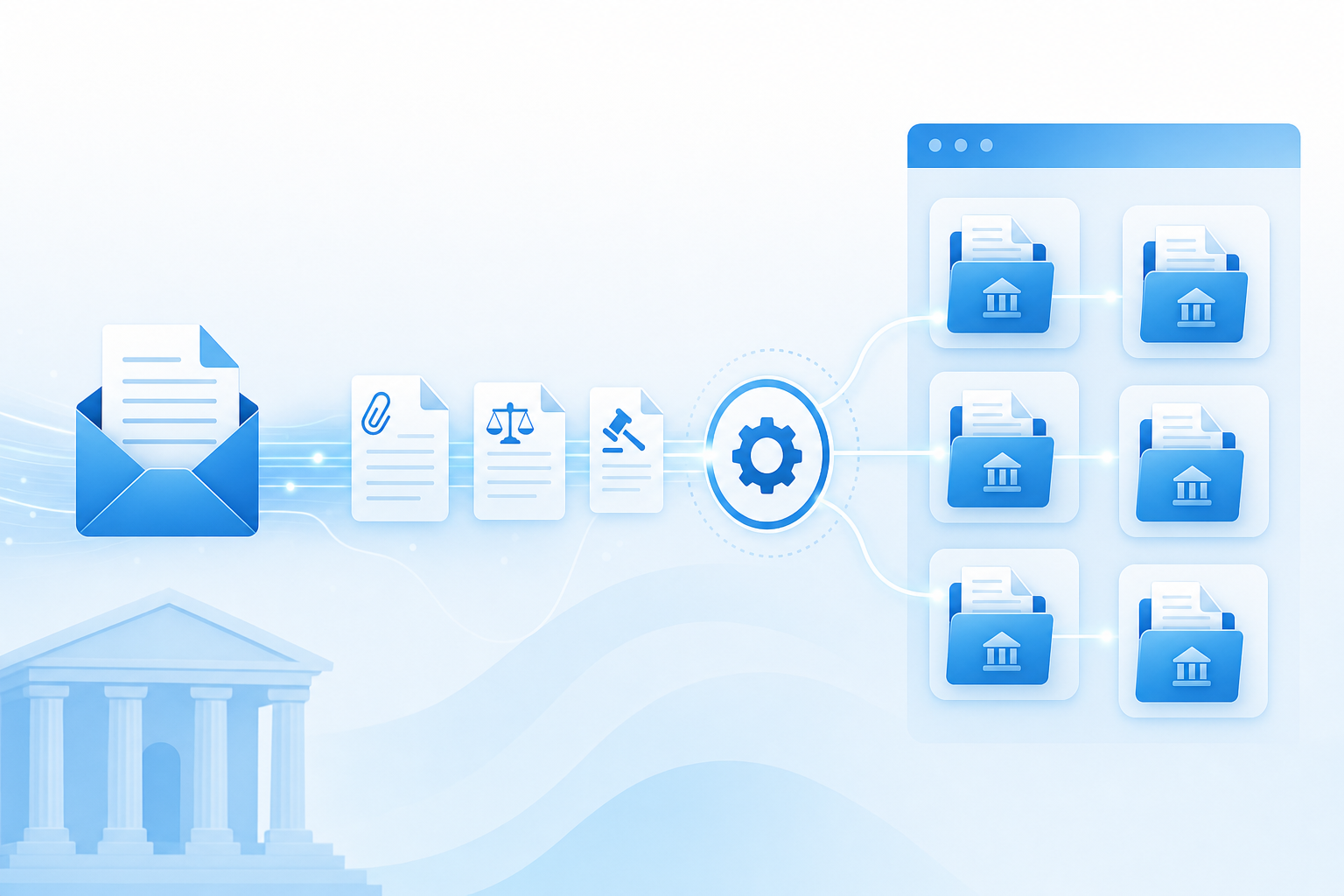
From there, matching is mechanical. The court case number sits in the notice header, and the system maps that number against active cases in the database. When it matches, the notice attaches to that case record. Hearing dates, trustee assignments, and document links populate as structured fields. No forwarding rules, no manual tagging, no shared inbox triage.
AI-Powered Notice Classification Across Federal Districts
Federal districts don't agree on notice formatting. The Southern District of Florida sends a 341 notice that looks nothing like one from the Eastern District of California, and the Northern District of Illinois generates something different again. Subject lines vary, document headers shift, and PDF layouts get refreshed without warning.
Keyword matching falls apart the moment a court tweaks its template, which is why Glade AI vs Best Case comparisons show different approaches to automation. A rule scanning for "Meeting of Creditors" misses a notice titled "Section 341(a) Hearing." A filter looking for "Discharge Order" skips one labeled "Order of Final Decree."

AI reads context the way a paralegal does, picking up on document function instead of exact phrasing, and sorts incoming filings into categories that drive case work:
- 341 Meeting notices and reschedules
- Motion to Dismiss filings
- Deficiency Notices and 521 compliance items
- Discharge orders and final decrees
- Relief from stay motions
Classification holds up across all 94 districts without per-district rule maintenance when using the best bankruptcy filing software for attorneys.
Automated Court Calendar Extraction and Hearing Management
Calendaring is where manual workflows fail loudest. A paralegal reads a 341 notice, types the date into a calendar, copies the Zoom link into the event description, and adds the courtroom number to the notes in a process that Glade AI vs NextChapter comparison reveals can be fully automated. One transposed digit, one missed timezone conversion between a Western District court issuing notices in Pacific time and a firm operating in Eastern, and an attorney logs in an hour late to a hearing that already adjourned.
Automated extraction pulls structured fields straight from the notice PDF:
- Hearing date and start time, normalized to the firm's working timezone
- Courtroom number or virtual hearing designation
- Zoom Meeting ID, passcode, and dial-in number
- Trustee name and contact info
- Filing deadline tied to the hearing
Those fields populate the case calendar at ingestion. No transcription, no copy-paste between systems, no digit dropped between notice and docket reminder.
How Automation Eliminates PACER Document Fees
PACER bills per access, not per document. The court doesn't care that three people at your firm need to read the same trustee report, which is why Glade AI vs Clio for bankruptcy firms shows different cost structures. Each pull triggers a fresh meter, and the PACER fee schedule only applies within a single session, not across staff or days.
When a notice ingests into the case record on arrival, the firm pays for that document once. The PDF lives inside the case workflow, indexed and searchable. An attorney prepping for a hearing, a paralegal checking a deadline, and a billing clerk attaching it to an invoice all view the same stored copy.
Internal distribution costs nothing. The recurring quarterly PACER bill drops to whatever new filings the court issues, not what staff happens to reopen.
Court Notice Automation for Bankruptcy Law Firms With Glade AI
Everything covered above lives inside a single case workflow at Glade. Firms add their Glade-managed events email to their PACER account, and from that point forward, court notices flow directly into the matching case record, no forwarding rules or shared inboxes required.
Once a notice arrives, our AI agents classify it by type, attach the PDF to the case, and pull out the structured fields paralegals previously transcribed by hand:
- Hearing date, courtroom assignment, and Zoom credentials populate the case calendar automatically
- Trustee assignments from 341 notices write directly to case data fields
- Notices appear as dedicated tabs within each workflow alongside docket activity
- Tagged team members receive actionable tasks tied to the specific notice content
No second tool, no integration glue, no quarterly PACER bill ballooning from duplicate pulls.
Final thoughts on eliminating manual notice workflows
Manual PACER workflows cost more than the quarterly bill shows because the real expense is the paralegal time spent routing notices that should route themselves. When law firms automate court notice tracking, the labor drops to near zero and your team stops missing deadlines buried under client emails. The system reads every notice, extracts what matters, and writes it straight into the case. If you want to see it running on your active cases, book a demo.
FAQ
Can I automate PACER court notice tracking without switching my entire case management system? Yes. Automated PACER tracking works as a standalone layer that ingests notices and routes them to your existing cases. You add a dedicated email to your PACER account, and notices flow into your workflow system automatically: no need to replace tools you already use for petition prep or calendaring.
How does automated notice tracking reduce PACER fees for bankruptcy firms? PACER charges $0.10 per page with a $3 document cap, but those charges compound when multiple staff members pull the same notice. Automated ingestion captures each court filing once at arrival, then stores it in the case record where your entire team can access it without triggering additional PACER pulls — cutting duplicate access costs to zero.
What happens when a court changes its notice format or subject line? AI-powered classification reads document context instead of relying on exact keyword matches. When the Northern District of Illinois reformats its 341 notice or the Southern District of Florida tweaks its subject line structure, the system continues sorting notices by function (hearing schedules, discharge orders, relief from stay motions) across all 94 federal districts without requiring manual rule updates.
Automated PACER tracking vs manual inbox monitoring — what's the actual difference? Manual monitoring means a paralegal opens each notice email, identifies the case it belongs to, extracts the hearing date and Zoom details, updates the calendar, and attaches the PDF to the right file. Automated tracking does all of that at ingestion: the notice routes to the correct case by court case number, hearing data populates as structured calendar fields, and the PDF appears in the workflow — cutting per-notice handling time from 5-10 minutes to under 30 seconds.