
Mobile-First Client Portals for Law Firms: How Glade 2.0 Delivers Real-Time, Firm-Branded Client Experiences (June 2026)

Law firm client portal software used to mean a MyCase client portal login page clients visited twice: once during intake and once when you sent a reminder three weeks later. Now your clients expect a MyCase client portal app that works as smoothly as their banking app with Face ID login, lock-screen case updates, one-tap payments. The MyCase attorney login and clio client portal tutorial most firms rely on were built for desktops, but your clients are uploading documents from the clio for clients app while waiting in line at the grocery store and checking payment due dates through MyCase payments during their lunch break. Smokeball client portal and clio client login tools work for general-purpose case tracking, but client portals for law firms running 50 to 100 bankruptcy cases a month need law firm app for clients architecture that automates the status updates paralegals currently type by hand. Apps for lawyers used to mean document storage; now it means the biometric simplicity and push-notification speed clients expect from every service relationship.
The question law firm client portal software download decisions come down to: does the portal reduce inbound calls, or just give clients another place to look before they call anyway? Clio client portal login and clio user guide materials improved mobile access, but Glade 2.0 was built mobile-first from day one to deliver a real-time, firm-branded client experience without requiring your team to become software trainers.
TLDR:
- Mobile portals measurably cut inbound calls and client emails by pushing real-time case status updates before clients think to ask.
- 90% of legal malpractice complaints stem from poor communication, not actual legal errors.
- Clients expect banking-app responsiveness: lock-screen alerts, biometric login, one-tap signatures.
- Adoption hits 70% to 85% when you walk clients through setup during intake and make the portal the only path.
- Glade runs firm-branded mobile portals for bankruptcy firms with event-driven triggers and setup in days.
Why Law Firms Are Moving to Mobile-First Client Portals in 2026
Your clients open firm communications on a phone first, then maybe a laptop later. That ordering used to be reversed. Per SEOProfy's legal marketing data, 74% of law firms had adopted a mobile-friendly website as of their most recent survey.
The expectation came from outside legal. Banking apps show pending transactions in real time. Healthcare portals push test results to the lock screen. Retail sends tracking updates unprompted. By the time a debtor hires you, they have been trained for years to expect that same responsiveness from any service relationship.
Client portals are catching up. They now work as engagement systems, mobile-first, automated, and measured against actual client behavior instead of login counts.
Core Features Law Firms Need in a Mobile Client Portal
Desktop portals were file cabinets with logins. Mobile portals push, scan, sign, and pay from a device the client never puts down. The features that matter on a phone are different.
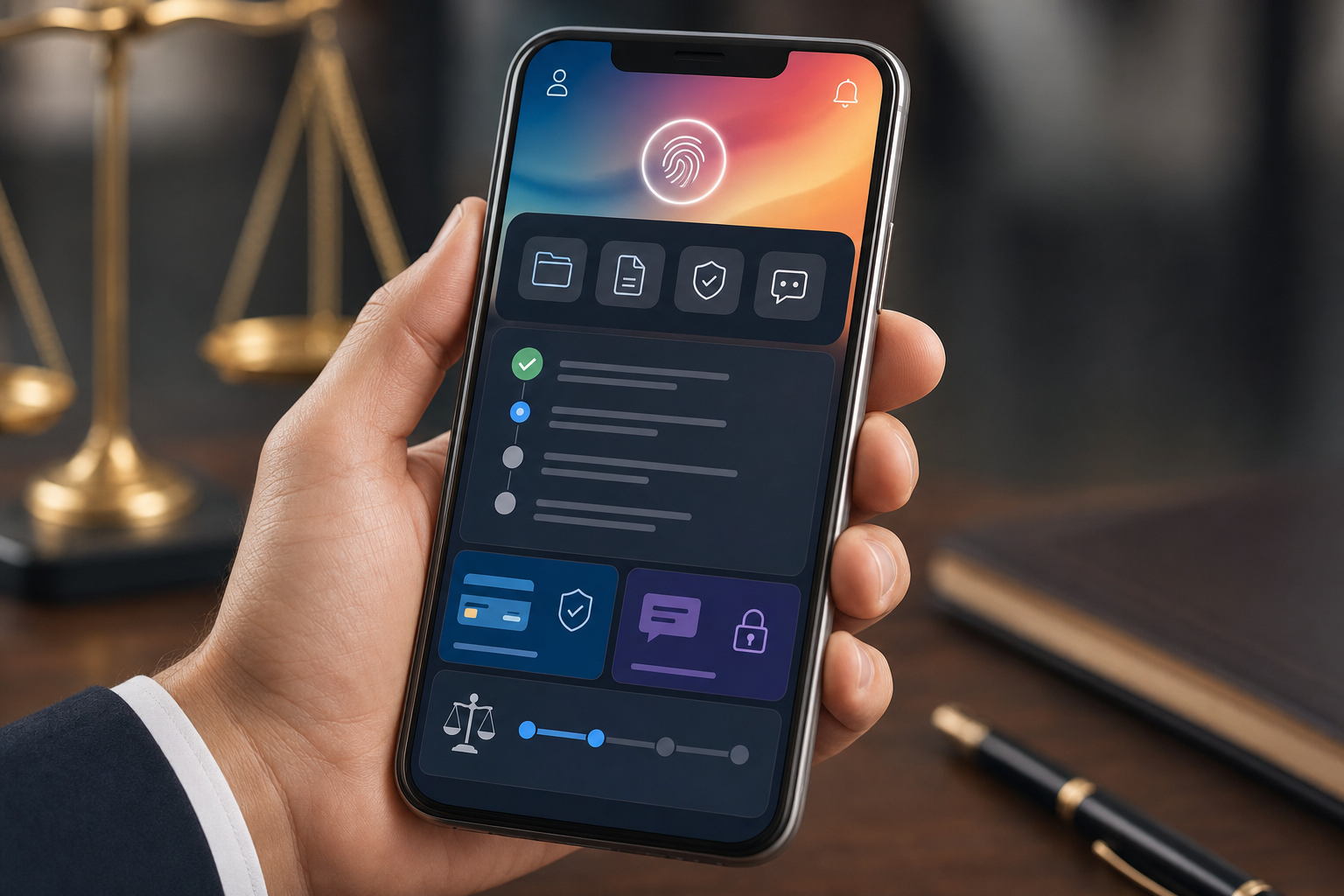
- Push notifications for case status changes, payment due dates, document requests, and hearing reminders. Email sits unread; lock-screen alerts get tapped.
- Biometric authentication via Face ID or Touch ID, so weekly password entry stops killing adoption.
- In-app document scanning that crops, deskews, and converts a phone photo of a paystub into a clean PDF before upload.
- Secure messaging with read receipts.
- Mobile e-signature flows that finish in one session.
- Native payments with saved methods and autopay.
- Offline access to filed documents and next required actions for clients at 341 meetings with spotty signal.
- Case status tracking showing current stage, what is pending, and who owes the next move.
A document request that pings the lock screen comes back signed the same afternoon. A payment plan with biometric checkout collects on day one of the cycle instead of day nine.
Real-Time Updates: From Status Anxiety to Status Transparency
Most "where's my case" calls are about silence, not the case. The ABA's Profile of Legal Malpractice Claims attributes roughly 90% of complaints to poor client communication, leaving only 10% to actual legal error.
Real-time portals turn that silence into a feed. Milestone triggers fire updates when a petition is drafted, a 341 is calendared, or a trustee files a Report of No Distribution. The client sees movement; the paralegal stops fielding the same question across three channels.
Firms running client portal software have reported notable reductions in inbound calls and client emails after switching to real-time portal updates.
Security and Compliance Requirements for Legal Client Portals
Email alone may not clear the bar anymore. ABA Formal Opinion 477R clarified that Model Rule 1.6(c) requires "reasonable efforts" to prevent unauthorized disclosure when communicating client information electronically, and for sensitive matters that standard pushes firms past unencrypted email toward purpose-built portals.

The baseline a legal client portal has to hit:
- AES-256 encryption at rest, TLS 1.2 or higher in transit.
- Multi-factor authentication, not optional toggles buried in settings.
- Role-based access so paralegals, attorneys, and clients see only what their role permits.
- Immutable audit trails covering every view, download, message, and signature event.
- SOC 2 Type II attestation; HIPAA controls where PHI surfaces; GDPR posture for EU-resident clients.
Generic file-sharing tools rarely ship all five.
Firm Branding in Client Portals: Why White-Label Matters
The portal is the most-touched surface of your firm after the intake call. If it loads as "MyCase" or "Clio" in the browser bar with a stock header and someone else's logo on the login screen, the client signs in to a vendor's product, not to your firm.
White-label changes the read. Your domain (portal.yourfirm.com), your logotype on the splash, your palette on the buttons, your firm name in the sender field of every notification. Clients treat a branded portal as proof the firm invested in client experience.
A firm-branded iOS or Android app raises that further. It sits on the home screen next to the client's bank, with the firm's icon. That placement outlasts the case.
Document Management and E-Signatures on Mobile Devices
Document exchange is where mobile portals earn their keep or lose the client. A phone camera doubles as a scanner, multi-page uploads bundle a stack of bills into one PDF, and signatures land with a fingertip at a stoplight.
What the workflow looks like on a phone:
- Multi-page capture with auto-detection that deskews and stitches a six-page bank statement into one upload.
- Version control so the questionnaire signed Tuesday is not overwritten by the draft edited Thursday.
- ESIGN and UETA-compliant e-signature with audit trail, IP capture, and per-signer timestamp.
- In-portal PDF review built for a 6-inch screen, with pinch-zoom on amounts and dates.
Forrester found e-signature adoption cuts document turnaround significantly. Mobile shaves more off by removing the trip back to a desk.
Integration with Practice Management Systems
A portal that does not talk to your firm's CRM is another inbox. Every document re-filed, every payment re-keyed, every message copy-pasted into the matter note.
Bi-directional sync is the dividing line. A client paystub lands on the matter record with the right document type tagged. A status update to "Petition Drafted" appears in the client view within seconds. One calendar entry populates both sides.
Portal activity flows back into the system of record:
- Documents attached to the matter with classification and audit trail
- Payments posted to the invoice and reflected in AR aging
- Messages stored as matter communications
- E-signature events logged with timestamp, IP, and signer identity
- Workflow triggers firing downstream actions at milestone completion
Approach | When It Fits |
|---|---|
Standalone portal bolted on via API | Firm keeps a legacy case system and needs a client surface fast |
Portal built into the case system | Firm wants one system of record, no sync lag, no duplicate logins |
Built-in portals share the database, so what the client sees is what the firm sees, with no reconciliation step between them.
Mobile Client Portal Adoption: Getting Clients to Actually Use It
Adoption is the metric that matters. A portal nobody opens is a more expensive voicemail. Softr's survey of law firm portal deployments reported adoption rates in the 70% to 85% range at firms that walked clients through setup at intake, made the portal the only path for documents and invoices, and sent a push notification within the first 24 hours.
What separates firms that hit those numbers:
- Walk through download, biometric login, and the first document upload during the intake meeting, on the client's phone, before they leave the office.
- Make the portal the only path. Stop accepting paystubs over text. Stop emailing invoices as PDF attachments.
- Tell the client what they get in return: status updates, no hold music, fewer trips downtown.
- Send the first push notification within 24 hours so the app proves its value before it gets buried on page three.
How Glade 2.0 Delivers Mobile-First Client Portals for Bankruptcy Firms
Glade was built for bankruptcy firms running 50 to 100+ cases per month, and the client surface reflects that volume. Emails send from support@glade.ai with the firm's name in the from field, so payment reminders, document requests, and status updates read as coming from the firm.
Event-driven triggers fire when a questionnaire is completed, a paystub uploaded, a payment received, or a 341 notice ingested from PACER, sending the next client message automatically. Behavioral custom statuses close the loop: when a case hits "Petition Filed," pending tasks auto-complete and downstream reminders suppress themselves, so clients stop getting nudged for documents they already sent.
Setup runs in days. Four of the country's top ten bankruptcy firms by filing volume currently run Glade.
Final Thoughts on Client Portal Software Going Mobile-First
Clients trained by banking apps and healthcare portals expect the same responsiveness from you, and email alone won't close that expectation gap. A mobile portal that pushes status updates and accepts documents from a phone camera turns silence into proof of movement. If your firm files enough Chapter 7 or Chapter 13 cases to warrant automation, book a demo and we'll show you how Glade's mobile client portal runs without adding paralegal steps.
FAQ
Can I build a client portal without a separate app download?
Yes, web-based client portals work on mobile browsers without requiring app store downloads. However, a native iOS or Android app offers push notifications, biometric login, offline document access, and permanent home-screen placement that browser portals can't match.
Law firm client portal software vs generic file-sharing tools?
Law firm client portal software ships with AES-256 encryption, multi-factor authentication, role-based access controls, immutable audit trails, and SOC 2 Type II attestation out of the box. Generic file-sharing tools rarely meet all five security requirements and lack native e-signature, payment gates, and matter-attached document storage.
How long does client portal setup take with Glade?
Setup completes in days when integrated with Glade's case system. Event-driven triggers, behavioral statuses, and bi-directional sync come pre-configured for bankruptcy workflows, eliminating the months-long customization cycles typical of general practice management tools.
What's the fastest way to get clients using a new portal?
Walk through download, biometric login, and the first document upload on the client's phone during the intake meeting before they leave. Make the portal the only path for paystub uploads and invoice access, then send the first push notification within 24 hours so the app proves its value immediately.
When should I switch from email to a client portal?
If you're fielding "where's my case" calls multiple times per week, missing document requests sent via text, or spending time re-keying client information across systems, a portal removes those friction points. A rough ROI check: count how many paralegal hours per week go to status calls, document follow-ups, and re-keying data, then compare that against the portal's monthly cost. Most firms running 50+ cases per month find the breakeven is reached within the first billing cycle. Below that volume, the time savings are real but less dramatic. Above 80 to 100 cases per month, the gap between portal cost and recovered hours widens quickly, particularly when automated status triggers replace manual client updates entirely.