
How Glade 2.0 Rethinks What Bankruptcy Software Should Be: The Legal Operating System Approach (June 2026)

About 41% cite fragmented tools, and the reason is mundane: every extra app is another login, another data model, another place a paralegal has to remember to update when your paralegal keys in a client's paystub data to build a petition. Most bankruptcy software makes you re-enter it in each module or export and import between systems. A legal operating system solves that by storing everything in one place so a value entered once propagates across every function that needs it, and nobody has to sort out conflicting versions later.
TLDR:
- A legal operating system unites intake, case records, documents, and workflows in one data layer instead of stitching separate apps together with exports and manual re-entry.
- About 41% of firms cite fragmented tools as their top issue, and attorneys work roughly 49 hours weekly but bill for only 37.
- Automation must execute actions, not merely send reminders; true workflow automation closes the loop without a human clicking through a notification.
- 87% of legal departments now use generative AI, but it works only when embedded in the workflow so extractions populate records and trigger next steps.
- Glade 2.0 splits AI and deterministic logic for bankruptcy: AI parses paystubs and notices; deterministic engines run court-filed math like means tests, collapsing petition assembly from roughly 8 hours to about 2.
What a Legal Operating System Is
A legal operating system is the connective tissue under a firm's daily work: one environment where intake, drafting, document analysis, matter records, and knowledge management share a single data layer instead of separate apps stitched together by exports and copy-paste.
The shift is structural. Point tools each own a slice of the workflow and hand off through brittle integrations. A legal operating system inverts that model. Every action writes back to the same record, and every downstream step reads from it.
Three traits separate it from a stack of point tools:
- One source of truth for matters, clients, documents, and deadlines
- Workflows that move between functions without re-entry
- A shared intelligence layer any module can call
Core Components of a Legal Operating System
Most legal operating systems share a recognizable set of building blocks. Some handle process; others handle information. A complete system runs both layers together so a matter record, a workflow trigger, and a knowledge entry can reference each other without an export.
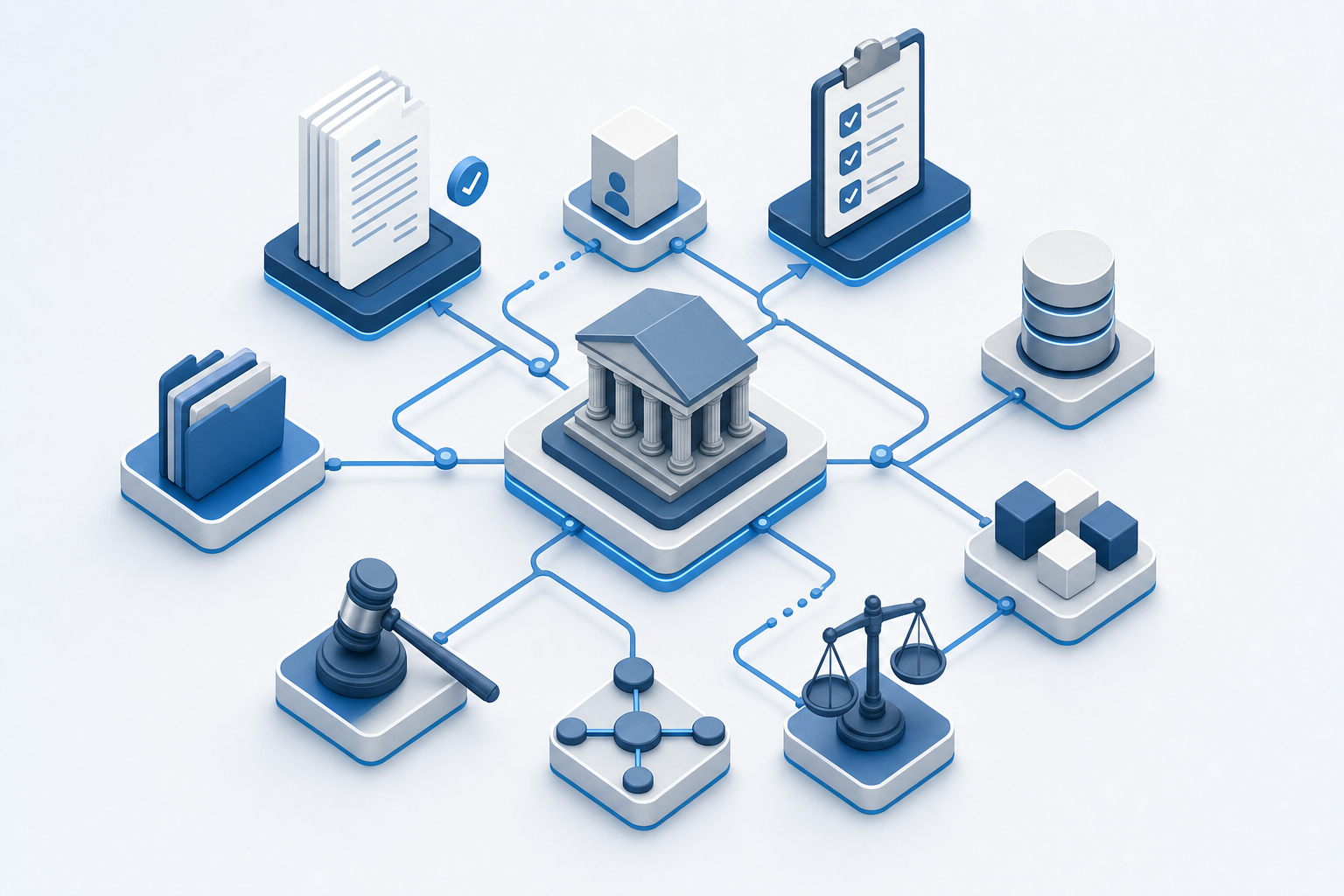
- Intake and triage: structured client capture, conflict checks, and routing to the right team
- Matter management: the central record for every case, with status, owners, and lifecycle history
- Document management: versioned storage, templates, and AI-driven extraction
- Workflow automation: triggers and actions that move work forward without manual handoff
- Native payments and spend management: time capture, invoicing, payment plans, and AR visibility
- Knowledge management: searchable precedent, playbooks, and reusable clauses
Legal Department Operating Models That Shape System Design
Before picking software, look at how your legal work actually flows. The operating model determines what the system has to support.
- Centralized: all requests funnel through one core legal team. The system needs strong intake triage, a single matter queue, and assignment rules so nothing pools at the top. Legal practice management software must support this model with proper routing.
- Distributed: lawyers sit inside business units or practice pods. The system needs shared records and consistent templates across locations, or each pod builds its own shadow stack.
- Hybrid: a central team owns standards and high-risk work; embedded staff handle day-to-day volume. The system needs role-based permissions, routing rules that split intake by matter type, and reporting that rolls up across both layers.
The Shift From Tool Sprawl to Unified Systems
Fragmented stacks have a price, and firms are starting to count it. Spellbook's 2026 brief found that about 41% of firms cite fragmented tools as their primary issue, and the reason is mundane: every extra app is another login, another data model, another place a paralegal has to remember to update. A unified system solves this by consolidating tools into a single environment.
The hidden costs show up in three places:
- Context switching: staff lose minutes hopping between intake, docs, billing, and court tools, and those minutes compound across hundreds of matters.
- Data duplication: the same client record sits in four systems, drifts out of sync, and forces reconciliation work nobody scoped for.
- Integration debt: API bridges patch the symptom, but each new tool adds another endpoint to maintain.
Integration projects fail because they treat fragmentation as a connectivity problem instead of a data-model problem. Two systems can exchange records and still disagree on what a "matter" is. A unified system removes the translation layer entirely.
Workflow Dimension | Fragmented Tool Stack | Unified Legal Operating System |
|---|---|---|
Data Entry | Staff re-enter the same client record across intake, document assembly, billing, and court tools for each matter | Value entered once propagates across every function that needs it without manual re-entry |
Matter Record Integrity | Same client data sits in four systems, drifts out of sync, and forces reconciliation work nobody scoped for | One source of truth for matters, clients, documents, and deadlines shared across all modules |
Context Switching | Staff lose minutes hopping between separate apps for intake, docs, billing, and court tools across hundreds of matters | Every action writes back to the same record and every downstream step reads from it within one workspace |
Integration Maintenance | Each new tool adds another API endpoint to maintain and another translation layer to debug | Shared data layer removes translation requirements between functions |
Workflow Handoffs | Export and import steps between systems create brittle integration points where data can drop | Workflows move between functions without export because modules share the same underlying records |
Workflow Automation as the Engine of Legal Operations
Automation is what turns a unified data model into time back. Bloomberg Law's 2026 report found that about 42% of firms name task automation as their top motivator for tech investment, and attorneys often work close to 50 hours a week while billing for fewer than 40. The gap is manual work the system should be doing.
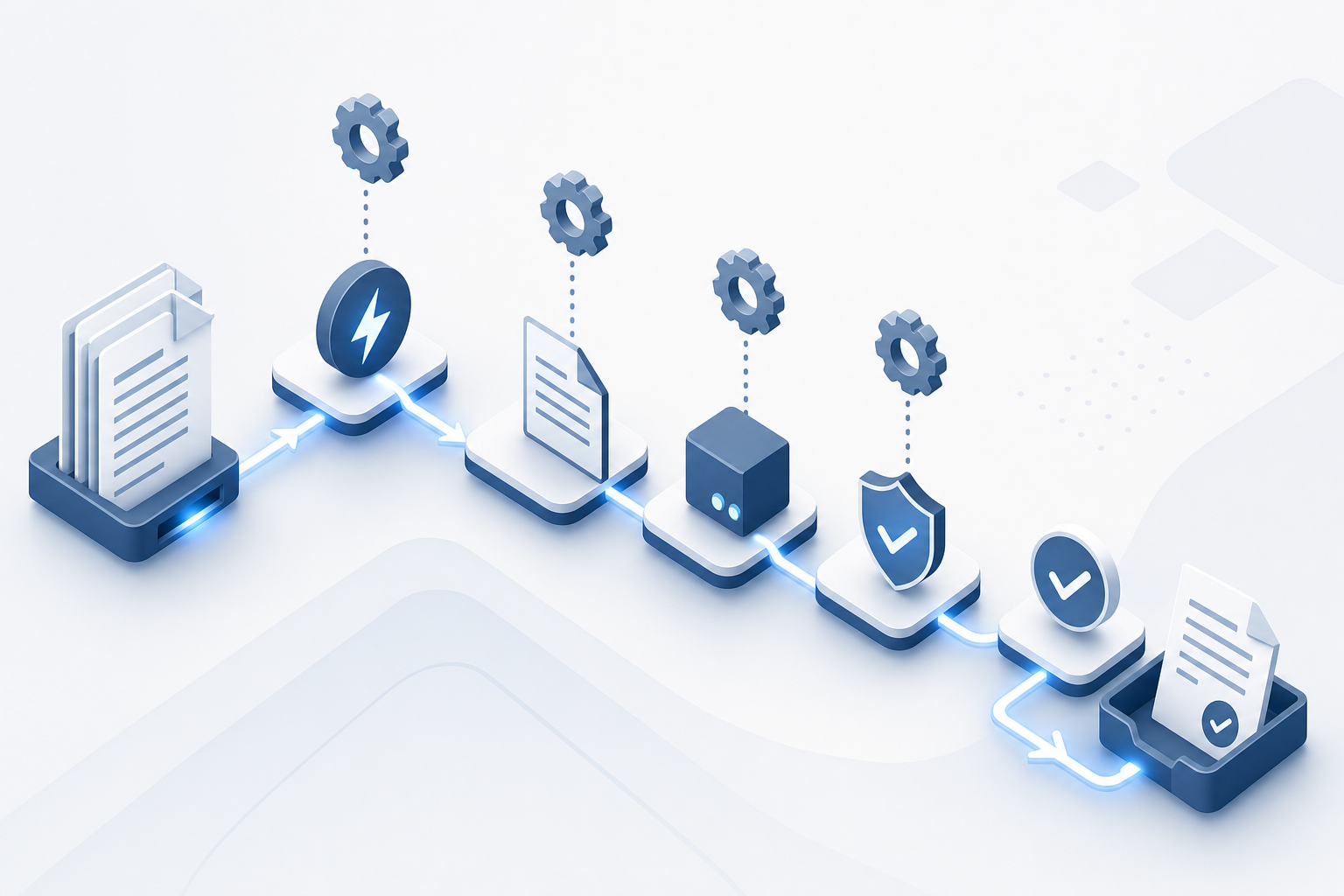
Hold onto the distinction between execution and notification. A reminder tells someone to act. An automation closes the loop without them.
Start where volume and repetition are highest:
- Document assembly: pull matter data into templates and produce signed, dated packets without re-entry
- Intake: capture, conflict-check, and route a new matter into the right queue the moment a form is submitted
- Deadline tracking: calculate dates from triggering events and generate the task list
- Task routing: assign work by matter type, owner load, and role
If a workflow still needs a human to read a notification and click something, it's a reminder dressed up as automation.
AI Integration in Legal Operating Systems
Adoption has moved fast. Recent surveys report that 87% of legal departments now use generative AI, up from 44% the year before, with 63% relying on it for contract clause identification.
The question worth asking is where the AI lives. A standalone tool reads a document and leaves no trace in the matter record. Embedded AI runs inside the workflow: the extraction populates the schedule, the classification routes the notice.
A few places AI is doing real work inside legal systems today:
- Document review: pulling structured fields from messy uploads and flagging gaps before a human opens the file
- Contract analysis: surfacing nonstandard clauses against a firm playbook
- Notice triage: classifying inbound documents and routing them to the right queue
Court work caps autonomy. Court filings and client advice still need attorney sign-off, so the pattern that holds up is human-in-the-loop: AI drafts and proposes; the lawyer confirms; the system logs both. Without that audit trail, the AI is a productivity demo, not infrastructure.
Implementation Challenges and Adoption Barriers
Even a clean system stalls on the human side. ContractSafe's analysis found that 54% of firms cite user resistance as the top adoption barrier, and the rest of the obstacle list is predictable once you've scoped a rollout:
- Budget pressure when license costs land alongside implementation hours. Firms reduce this by scoping implementation as a fixed-fee project with clear deliverables before signing, so the total cost is visible upfront rather than accumulating as change orders.
- Integration complexity against legacy case tools and court systems. Running a parallel environment for 30 days while staff transition gradually is more expensive than a hard cutover but significantly reduces the risk of lost matters mid-migration.
- Data migration risk: duplicate records, mismatched schemas, lost history. Deduplicate client records and map field schemas before any data moves. A test migration on a closed-matter subset catches schema mismatches before they touch active files.
- Vendor demos that skip the configuration work the firm actually inherits. Ask the vendor to walk through a real petition workflow using your document types and district rules, not a pre-loaded demo dataset. That exposes configuration gaps the sales deck won't show.
Name owners, phase the cutover, and pressure-test migration on a real case file before go-live.
Name owners, phase the cutover, and pressure-test migration on a real case file before go-live.
The Role of Legal Operations in System Success
Software alone doesn't move the needle. Someone has to own vendor selection, drive the rollout, run training, and prove the spend was worth it. That someone is legal operations. With surveys pointing to higher litigation expenses and growing pressure on CLOs to expand legal headcount, the ops function is what keeps a tech decision from becoming another line item nobody can defend.
A working legal ops mandate covers four things:
- Vendor selection: scoring tools against the firm's actual workflows, not the demo script
- Change management: sequencing adoption so attorneys aren't learning five things at once
- Training: role-specific enablement over a one-time webinar
- ROI measurement: tracking cycle time, matter throughput, and AR velocity against pre-rollout baselines. Dashboards that surface these numbers by attorney and matter type make those baselines visible without a separate reporting tool.
How Glade 2.0 Functions as a Legal Operating System for Bankruptcy Practices
Glade 2.0 is what a legal operating system looks like when built for one practice area instead of all of them. The data model natively understands debtors, creditors, and schedules, so a matter record is already shaped like the work.
The split between AI and deterministic logic maps cleanly onto bankruptcy:
- AI agents handle the messy front end: paystub parsing, credit report ingestion, classification of inbound notices
- Deterministic engines run court-filed math: means test, exemptions, Chapter 13 plan calculations
- Event-driven workflows fire client texts and document requests off real triggers
A value entered once propagates across 21+ linked fields, collapsing roughly 8-hour petition assembly to about 2 hours. The open MCP data layer lets any MCP client sync cases against Gmail, Drive, or PACER. Setup completes in days.
Final Thoughts on Choosing a Legal Operating System
The gap between your current stack and a unified system shows up in how many logins your paralegals need to close a case. A legal operating system hands them one workspace where intake routes itself, documents auto-populate, and billing stays current without manual updates. For bankruptcy practices handling volume, see how Glade removes the context switching.
FAQ
Can I build a bankruptcy petition workflow without multiple disconnected tools?
Yes. A legal operating system handles intake, document extraction, petition assembly, and e-filing within a single data layer, eliminating the need to copy data between Best Case, Clio, Court Drive, and spreadsheets.
What's the difference between a legal operating system and practice management software?
Practice management software typically handles billing, calendaring, and basic matter records. A legal operating system unifies those functions with workflow automation, document intelligence, and a shared data layer so every step reads from the same record without manual handoff.
How does AI fit into court-filed calculations like the means test?
AI handles the messy input work—parsing paystubs, extracting creditor data, classifying uploaded documents—but court-filed math runs on deterministic engines to guarantee defensible results. Glade uses AI for document analysis and fixed formulas for statutory calculations, with attorney review required before filing.
When should a bankruptcy firm switch from spreadsheet tracking to a unified system?
If your paralegals are managing 20+ concurrent cases each, if petitions regularly go dormant for months without follow-up, or if court rejections from signature-date mismatches are causing rework, those are signals that fragmented tools can't absorb your volume. A unified system becomes necessary when staff spend more time juggling tools than working cases.
Legal operating system vs traditional case management for high-volume firms?
Traditional case management stores matter records but typically requires separate tools for intake, document extraction, payments, and court notice tracking. A legal operating system runs all of those inside one data model, so a client upload automatically populates petition schedules and triggers the next workflow step without exporting records or switching apps.