
How to Automate Client Follow-Ups When Managing Large Caseloads (June 2026)

Running 100 active cases means follow-ups can't wait for someone to remember them, but automating client follow-ups when managing large caseloads also can't mean blasting generic reminders at every client. The setup that works is one that reads case data, picks the right moment, and stops sending when the workflow stalls. If your cadence keeps pinging a case sitting on the court's desk, your clients will stop reading everything else you send.
TLDR:
- Lawyers spend 28% to 48% of their day on non-billable work, making manual follow-ups impossible at 50+ cases.
- Response times under five minutes lift intake conversion by 300 to 391% compared to waiting an hour.
- Automate appointment reminders and payment nudges first since they recover revenue fastest.
- Match channels to urgency: SMS for payment alerts, email for documents, portals for milestones.
- Glade automates follow-ups with status-aware suppression and AI agents that follow your firm's voice.
Why High-Volume Caseloads Make Manual Follow-Ups Impossible
If you manage 50, 100, or 200 active cases at any given time, the math doesn't work. Each case generates its own thread of missing documents, unsigned agreements, unpaid invoices, and open questions. Multiply that by your caseload, and a paralegal can burn a full day on check-in emails before touching substantive work.
The data backs up what your team feels. Recent industry surveys show 77% of small law firms report spending too much time on admin tasks, leaving insufficient time to practice law. Lawyers themselves spend 28% to 48% of their day on non-billable work. Meanwhile, the ABA's 2024 Legal Technology Survey found that communication automation tools had the highest satisfaction rate at 87% of any legal technology category.
At that volume, follow-ups aren't a productivity problem you can fix with better calendars. They're structural. The durable answer is removing the human bottleneck from routine touches and reserving your team's attention for cases that actually require judgment.
The Real Cost of Delayed Client Response Time
Speed matters more than firms realize, and slow response is where revenue quietly leaks out. According to the ABA, 42% of the time, law firms take three or more days to reply to a voicemail or web form. Response times under five minutes can lift intake conversion by 300 to 391% compared to firms that wait an hour.
Stretch a paralegal across 50 active matters, and a five-minute window stops being realistic. New leads sit in an inbox while current clients get attention, or current clients wait while intake gets answered. Either way, someone loses.
The cost shows up in two places:
- Lost intake: prospective clients sign with the firm that called back first.
- Churn risk: current clients read silence as neglect, then leave reviews that hurt future acquisition.
What to Automate First: Choosing Which Follow-Up Workflows
Not every follow-up belongs in the same bucket. Some are pure repetition with predictable triggers. Others require reading between the lines. Start with touches that are high-frequency, low-judgment, and tied to a clear event.
Follow-Up Type | Automate First? | Why |
|---|---|---|
Appointment reminders | Yes | Calendar-triggered, identical script every time |
Document collection nudges | Yes | Driven by missing items in the case file |
Payment reminders | Yes | Tied to invoice status and due dates |
Yes | Triggered by workflow state changes | |
Status updates on routine cases | Mostly | Templated for standard phases, escalate exceptions |
Strategy or bad-news conversations | No | Requires attorney voice and discretion |
Sequence the rollout: appointment reminders and payment nudges first since they recover revenue fastest, then document collection, then milestone updates. Reserve attorney time for conversations clients actually want a person for.
Setting Up Automated Follow-Up Cadences Without Losing the Personal Touch
Automation fails when it reads like automation. The fix is designing cadences that feel like a thoughtful paralegal sent them.
Two timing models do most of the work:
- Trigger-based: a document upload, missed payment, or status change fires a message within minutes. These feel responsive because they are.
- Scheduled check-ins: weekly or biweekly touches on quiet cases so clients never wonder if you forgot them.
For tone, write templates the way you'd write to one client, then merge in case-specific fields like matter name, deadline date, or missing document. Skip generic "we hope this finds you well" openers and reference what the client actually did or didn't do.
Stagger send times so a client with three open items doesn't get three messages at once. Cap the cadence at three nudges before a human steps in.
Client Communication Channels for Automated Follow-Ups
Where a message lands matters as much as when it fires. Clients ignore email for urgent items and resent texts for routine status updates. Match the channel to the urgency and content type.
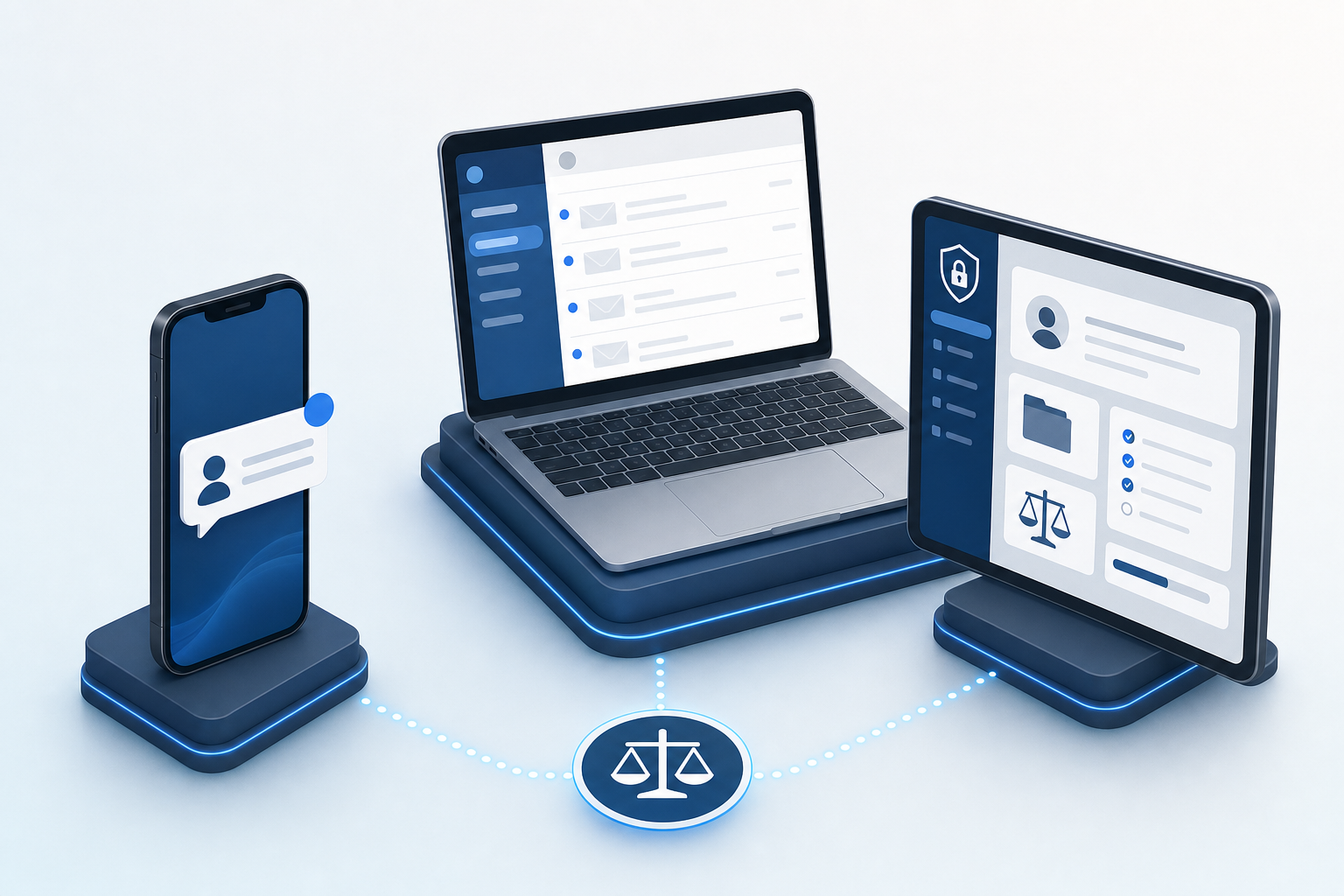
- Email: best for document requests, invoices, retainer agreements, and detailed status updates that need a paper trail.
- SMS: best for appointment reminders, payment due alerts, and short nudges that need eyes on them within hours.
- Client portal notifications: best for case milestones, secure document exchange, and anything tied to a task a client must complete inside a workflow.
Pick a primary channel per follow-up type and stick with it. Sending the same reminder by email, text, and portal alert trains clients to ignore all three. Let escalation, not duplication, drive cross-channel use.
How to Track Follow-Up Performance When Managing Large Caseloads
Automation without measurement is just faster guessing. Once your cadences are live, track a small set of metrics that tell you whether clients are responding or quietly falling behind.
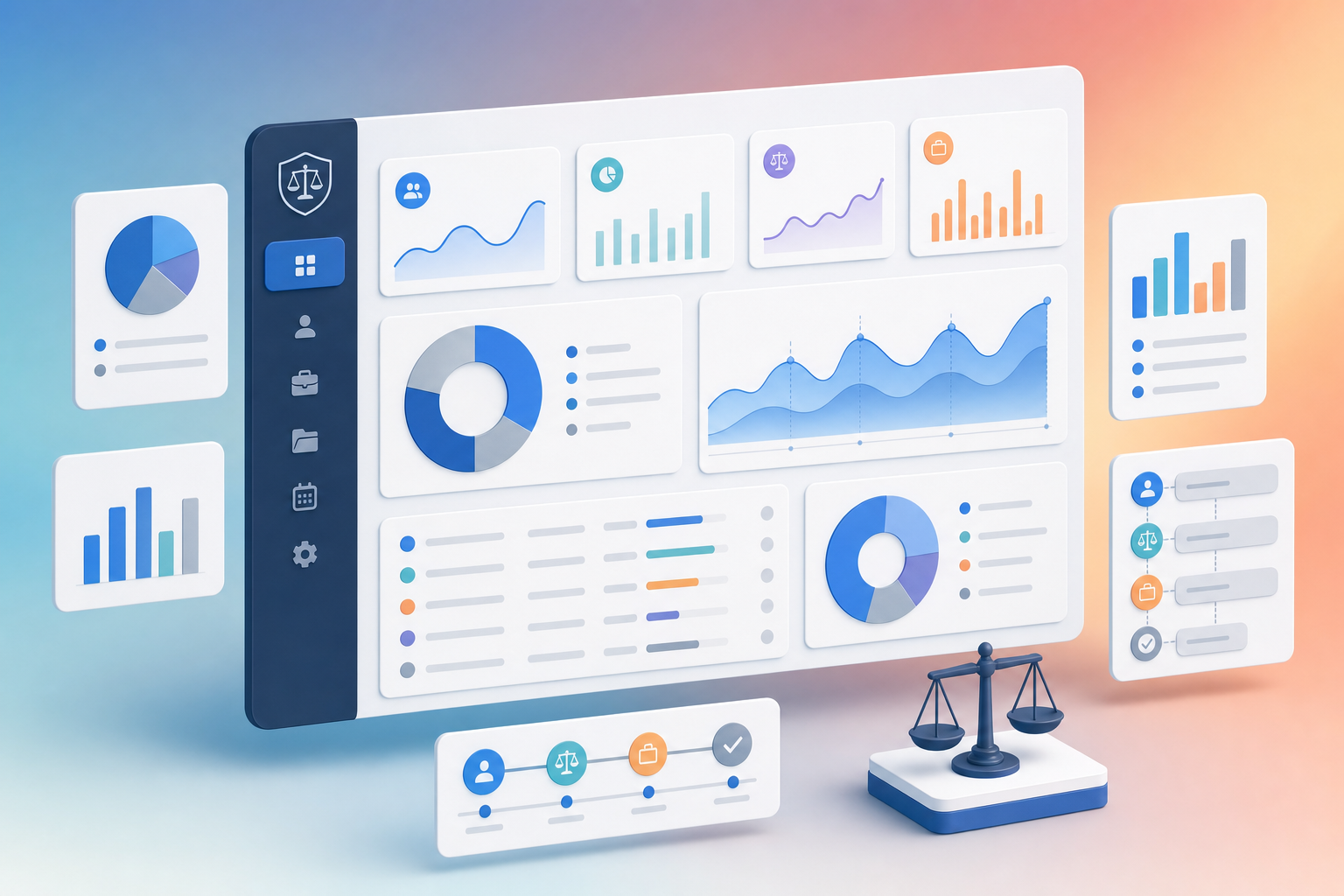
Focus on four signals:
- Response rate per follow-up type: if document nudges convert at 60% but payment reminders sit at 15%, the message or channel is wrong.
- Time to action: average days between a nudge and the client completing the task. Rising numbers mean fatigue.
- Stale case count: cases with no status change in 7, 14, or 30 days. These are your falling-through-the-cracks list.
- Escalation rate: how often a case exits automated cadence into human follow-up. Too high means automation isn't solving the problem.
Review weekly. Set a threshold where stale cases auto-route to a named owner so nothing waits on someone noticing.
Common Pitfalls When Automating Client Follow-Ups at Scale
Even well-designed automation can backfire. The traps below are the ones we see most often when firms first scale their cadences.
- Over-automation: stacking nudges on every event so clients feel hounded. A text, email, and portal ping in one hour trains clients to mute you.
- Wrong-stage triggers: sending a "missing documents" reminder after the client already uploaded. Gate messages on current case data, not the last event that fired.
- No opt-out path: every channel needs a clear way to pause SMS, switch to email, or request a human. Missing opt-outs invite TCPA exposure on texting.
- Compliance blind spots: confidential details shouldn't ride over SMS, and consent records need a timestamp you can produce later. The TCPA requires prior express consent before sending automated text messages, and firms need audit trails to prove it.
- Set-and-forget cadences: templates rot. Review them quarterly so language matches current intake forms and fee structures.
How Glade Automates Client Follow-Ups for Firms Managing Large Caseloads
Everything above maps to how we built Glade's follow-up system. The cadence is configurable at the firm level and overridable per client, so one default governs the whole caseload while sensitive matters get a softer touch.
A few specifics worth calling out:
- Status-aware suppression: cases sitting in phases like "Waiting on Court" automatically stop receiving pings until the workflow moves forward, removing the wrong-stage triggers covered earlier.
- AI agents that follow your voice: follow-ups generate from firm-configured prompts and rules, so you set the tone once instead of writing every message.
- Payment gates and task reminders live inside the workflow itself, not a separate billing tool, so collections and document chasing run as part of case progression.
The result is the principles above, wired in.
Final Thoughts on Managing Follow-Ups When You're Running a Large Caseload
Manual follow-ups don't scale past a certain caseload size, and trying to force them wastes the hours your team should spend on billable work. Tools that automate follow-ups for high-volume law firms let you stay responsive without adding headcount or burning out paralegals. Start with the workflows that recover revenue, measure what moves clients to act, and reserve human touch for the conversations that need it. The math works when the system does the repetition.
FAQ
Can I automate client follow-ups without making my firm feel robotic?
Yes, if you design cadences that feel responsive instead of scheduled. Trigger-based messages (firing after a document upload or missed payment) read as human because they react to what the client just did. Write templates the way you'd write to one client, merge in case-specific details like matter name or missing document, and stagger sends so clients don't receive three identical nudges at once.
What's the difference between trigger-based and scheduled follow-ups?
Trigger-based follow-ups fire immediately when an event occurs (a missed appointment, uploaded document, or payment received) so they feel like someone is paying attention. Scheduled follow-ups run on a fixed cadence (weekly or biweekly check-ins) to keep quiet cases from going silent. Use triggers for high-priority actions and scheduled touches for routine status updates on stable matters.
How do I know which follow-up workflows to automate first when managing a large caseload?
Start with high-frequency, low-judgment touches tied to clear events: appointment reminders, document collection nudges, and payment reminders. These recover revenue fastest and require no attorney discretion. Move to milestone notifications and routine status updates next, then reserve strategy conversations and bad-news calls for human handling.
Should I send automated follow-ups by email, text, or client portal?
Match the channel to urgency and content type. Use email for document requests, invoices, and detailed updates that need a paper trail. Send SMS for appointment reminders, payment alerts, and short nudges that need same-day attention. Reserve client portal notifications for case milestones, secure document exchange, and tasks clients must complete inside a workflow. Pick one primary channel per follow-up type and escalate across channels only when clients don't respond.
How do law firms automate client follow-ups when managing large caseloads?
Firms managing 50+ active cases automate follow-ups by configuring status-aware cadences that suppress messages during waiting phases, routing stale cases to named owners after set thresholds, and embedding payment gates and task reminders directly inside case workflows. The system tracks response rates, time to action, and escalation triggers so paralegals intervene only when automation doesn't resolve the issue.