
Best Case Management Systems with Native Payment Processing for Law Firms (May 2026 Update)

You bill clients through one system, track cases in another, and process payments through a third-party tool that may or may not sync reliably. That setup creates reconciliation work your team shouldn't have to do. Native payment processing for law firms keeps billing, payments, and case tracking in the same place, so your staff stops chasing data between systems. We reviewed six systems to identify which ones handle payments natively versus which ones just pipe transactions through external processors.
TLDR:
- Native payment processing inside case management eliminates the extended collection cycles caused by disconnected billing tools
- Glade AI automates bankruptcy-specific workflows like means tests and petition prep, beyond general billing
- Most "native" payment systems were added later to generalist platforms built for other practice areas
- True native payments trigger billing events automatically from case milestones without manual invoice generation
- Glade AI unifies case workflows and billing in one system purpose-built for high-volume bankruptcy firms
What Are Case Management Systems with Native Payment Processing?
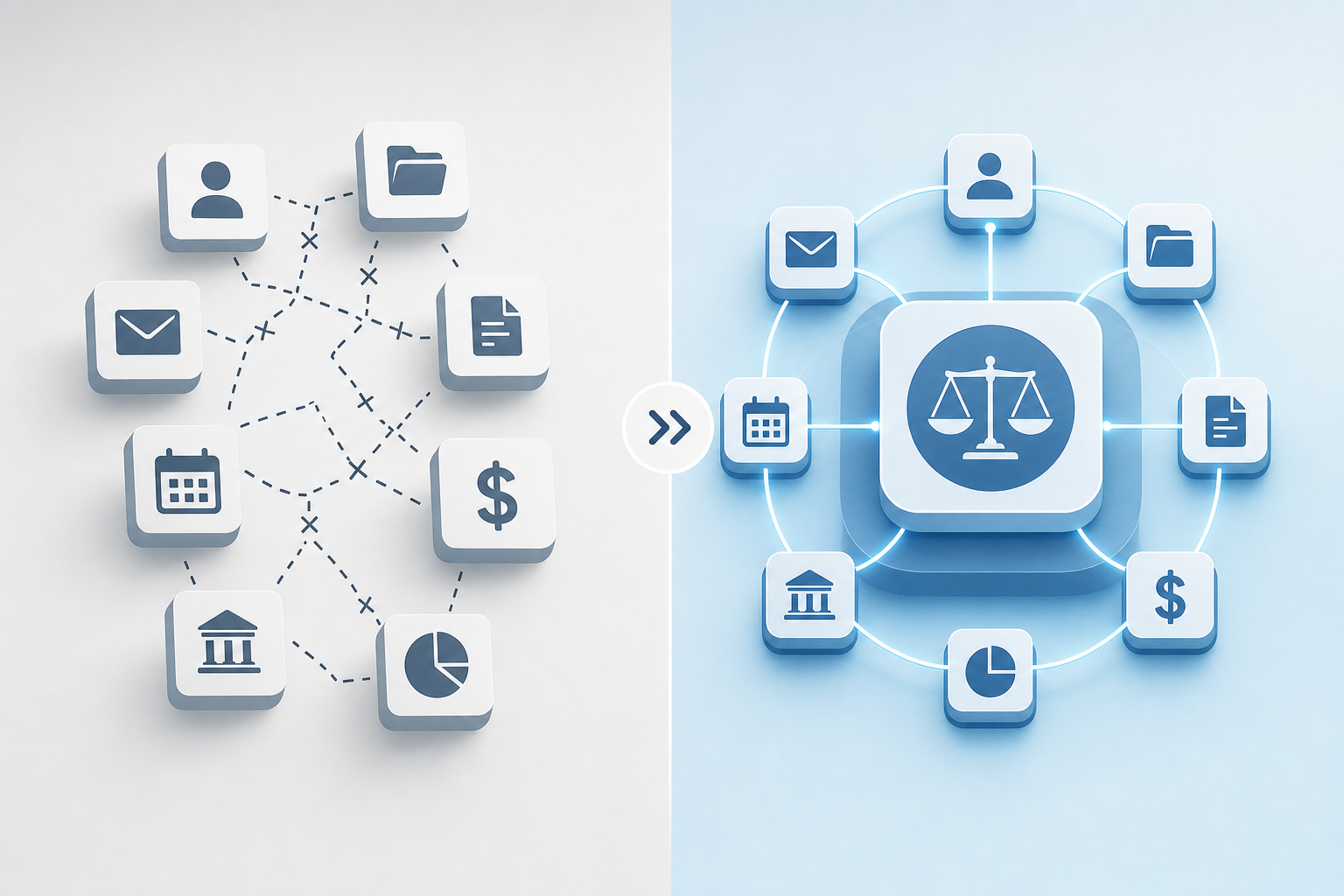
A case management system with native payment processing handles client intake, case tracking, documents, billing, and payments inside one unified system. No separate billing app. No third-party connection to maintain.
The distinction between "native" and "integrated" is worth understanding. Native means payments are built directly into the workflow itself. Integrated means your case management tool connects to an external processor through a third-party link that can break, desync, or require manual reconciliation.
For law firms, that gap is consequential. Fewer data handoffs mean faster payment collection, cleaner trust accounting compliance, and a billing process that runs alongside casework instead of chasing it.
How We Ranked Case Management Systems with Native Payment Processing
Every system ranked here was measured against the same criteria, drawn from publicly available information as of May 2026. No paid placements influenced the order, and we did not conduct hands-on testing of every product. The ranking focuses on features that shorten billing cycles and improve collections.
Here's what we looked at:
- Whether payments are truly native to the system or pass through a third-party connection
- Support for both operating and trust account compliance
- Availability of automated payment plans and recurring billing
- Transaction fee transparency
- Direct ties between case workflows and billing functions
- Acceptance of multiple payment types: credit card, ACH, and eCheck
- The ability to auto-generate invoices from time entries
Best Overall Case Management System with Native Payment Processing: Glade
Glade is built for law firms that want case management and billing to live in one place. Instead of connecting a separate payment processor to your case management system, Glade offers native payments as a core part of its case workflows, so invoicing, collection, and reconciliation happen inside the same system where you manage your cases.
Law firms using Glade report collecting payments much faster than with traditional billing setups, and the reduction in manual billing work frees up time that goes back into casework.
What Sets Glade Apart
- Native payments are built into case workflows, not added on after the fact, which means payment status is visible alongside case status without switching between tools.
- AI agents handle routine billing tasks like generating invoices and sending payment reminders automatically, reducing the administrative load on staff.
- The unified setup removes the reconciliation friction that comes with third-party payment integrations, where billing data and case data live in separate systems.
Glade is well-suited for small to mid-sized law firms that want law firm billing automation without the complexity of stitching together multiple tools.
Clio
Clio is a generalist legal case management system used by over 150,000 legal professionals. In October 2021, Clio added built-in payment processing directly to Clio Manage, letting firms collect payments without routing through a separate processor.
Here is what their native payments setup includes:
- Clio Payments handles credit card, ACH, and eCheck transactions natively within the case management workflow
- Online payment links and client-facing payment portals give clients a self-serve way to pay
- Trust accounting compliance features are included to help firms stay on the right side of bar rules
Clio fits well for firms that need broad practice coverage across varied case types. The tradeoff is that its billing and case management, while connected, were not built together from the ground up, so firms running high-volume, repeatable case types may find the workflow automation less specialized than purpose-built options.
What they offer:
One flat transaction fee across all card types, with a separate flat rate for eCheck.
- Payments sync automatically to QuickBooks or Xero.
- Automated payment reminders and templated billing messages reduce manual follow-up.
- Payment plans let firms automate collection against a bill or trust account via credit card.
Good for mid-sized generalist firms that handle multiple practice areas and need a broad system where payment processing is one of many capabilities.
The limitation worth noting: Clio's trust accounting tools can reduce manual reconciliation work, but the system was built for general legal practice. Bankruptcy-specific needs like means test calculations, credit pulls, and Chapter-specific petition prep require customization or external tools, which reintroduces the data handoffs that native payments are supposed to eliminate.
Filevine
Filevine's Payments feature covers the full billing cycle, supporting contingency fees, hourly billing, and flat fees within the case management system itself. The setup is built directly into Filevine instead of connected through a third-party processor, which keeps payment data tied to case records without requiring manual reconciliation.
The system was designed primarily for personal injury practices but has since expanded to cover additional practice areas, making it a viable option for firms with more varied caseloads.
Smokeball
Smokeball built its payment processing directly into its case management system, letting small to mid-sized firms handle billing without routing through external processors. The system tracks time automatically as attorneys work, converts that activity into invoices, and collects payments inside the same interface where cases are managed. That tight integration between timekeeping and billing means less manual invoice generation and fewer gaps between work completion and payment collection. Smokeball offers both cloud-based and desktop deployment options, which gives firms flexibility around data hosting preferences. The system's document automation capabilities are strong, but its workflow customization is built for generalist practices instead of specialized case types. Firms running high-volume bankruptcy or immigration practices will find limited practice-specific automation compared to purpose-built systems, though the native payment processing handles standard trust and operating account compliance without issue.
What they offer:
Law firms using Smokeball get native payment processing that accepts credit cards, debit cards, and eCheck payments directly through the case management interface. The system's automatic time tracking runs in the background as attorneys draft documents, send emails, or work in case files, eliminating the manual timekeeping that typically delays invoice generation. Payment plans can be set up to auto-charge clients on recurring schedules, and the system handles both operating and trust account transactions with built-in compliance safeguards. Smokeball's billing module generates invoices automatically from tracked time and expenses, then lets clients pay through a secure portal without your staff needing to manually send payment links or follow up on outstanding balances. The desktop version gives firms local data control while maintaining the same payment processing capabilities as the cloud deployment, which matters for practices with specific data residency requirements or offline access needs.
Lawmatics
Lawmatics started as a legal CRM built around the intake and pre-client lifecycle, and its payment features arrived as an expansion of that foundation. The system now covers time and expense tracking, bulk invoicing, online payments, and trust accounting, giving firms a way to handle billing without routing through separate tools.
That makes it a reasonable fit for firms where intake volume is high and client follow-up automation drives most of the value. Where it gets more complicated is for firms that need payments tightly woven into active case workflows. Billing was added onto a system designed for client acquisition, and that sequence shows in how the two sides of the product connect.
What they offer:
Lawmatics processes payments through Gravity Legal, which handles ABA-compliant trust and operating account transactions directly within the unified system. The system accepts credit cards, ACH transfers, and eCheck payments, with automated payment request workflows that trigger from intake forms or case milestones. Firms can build bulk invoicing sequences for retainer collection or recurring billing, and the CRM automation lets you schedule payment reminders based on client response behavior instead of manual calendar tracking. The billing timer and trust accounting features cover standard compliance needs, and integrations with Clio and MyCase give firms flexibility to route case management through specialized tools while keeping intake and billing in Lawmatics. The tradeoff is that Lawmatics excels at pre-client automation but offers limited depth for active case workflows, so firms handling complex post-engagement tasks like bankruptcy petition prep or litigation document management will need additional tools to fill those gaps.
- CRM and marketing automation paired with billing management
- Built-in timer, invoicing, batch invoicing, and trust accounting
- Integrates with Clio and MyCase
Good for intake-focused firms that need strong CRM alongside basic billing. Limited post-engagement case workflow depth, no bankruptcy-specific automation.
SmartAdvocate
SmartAdvocate unveiled an enhanced billing and invoicing solution in April 2025, expanding beyond its personal injury roots into Family Law and transactional billing. Staff can track time and generate invoices directly from case expenses and time entries without leaving the system.
The core product remains built around personal injury litigation. Firms in other practice areas will find progressively less workflow specificity the further their caseload drifts from that foundation.
- Time and expense tracking tied directly to case records
- Invoice generation from tracked case activity
- Billing coverage for personal injury, Family Law, and transactional matters
Good for plaintiff-side litigation firms where personal injury is the primary practice type. Less suited for high-volume, process-driven practices like bankruptcy or immigration, where practice-specific automation matters more than general billing capability.
What they offer:
SmartAdvocate's Confido Legal integration handles credit card, check, and escrow-based payments directly from client funds, with transaction data flowing back into case records without manual reconciliation. Invoices are generated from tracked time entries and case expenses, and the billing module supports both hourly and contingency fee structures — consistent with the personal injury practices SmartAdvocate was built for. Firms can send payment requests directly from case records and collect funds without leaving the system, though payment customization options are more limited compared to systems with billing built into the core architecture from the start. The system includes over 175 third-party integrations covering eSignature, client texting, and medical records retrieval, which matters for personal injury practices where documentation volume drives case progression. Built-in AI tools assist with case summarization and document analysis, though these features focus on litigation workflows instead of transactional practice automation. Firms can deploy SmartAdvocate on cloud infrastructure or their own servers, giving control over data residency and access patterns, though the Confido integration arrived in 2025 as an add-on instead of a foundational architecture decision.
The Confido integration arrived in 2025, so native payments are a recent addition instead of a foundational architecture decision. The interface skews toward PI litigation, and advanced customization typically requires vendor involvement.
CounselPro
CounselPro offers case management workflows with a built-in billing module, though its native payments support is limited to ACH transfers. Credit card processing requires a third-party integration through LawPay or similar providers. For firms that handle high invoice volumes, this split setup can create reconciliation friction. CounselPro's strength lies in its document automation, but firms focused on true native payments may find its billing architecture requires workarounds.
Feature Comparison Table of Case Management Systems with Native Payment Processing
Here's how the six systems stack up on the features that matter most for law firms comparing legal case management with payments.
Feature | Glade AI | Clio | Filevine | Lawmatics | SmartAdvocate | CounselPro |
|---|---|---|---|---|---|---|
Native Payment Processing | Yes | Yes | Yes | Yes | Yes (via Confido) | No |
Bankruptcy-Specific Workflows | Yes | No | No | No | No | No |
AI Workflow Automation | Yes | Limited | Limited | No | Limited | Yes (financial only) |
Automated Payment Plans | Yes | Yes | Yes | Yes | Yes | No |
Trust Account Compliance | Yes | Yes | Yes | Yes | Yes | No |
Credit Report Integration | Yes | No | No | No | No | No |
Petition Preparation | Yes | No | No | No | No | No |
Client Portal | Yes | Yes | Yes | Limited | Yes | No |
Means Test Automation | Yes | No | No | No | No | No |
Case Management | Yes | Yes | Yes | Limited | Yes | No |
Why Glade Is the Best Case Management System with Native Payment Processing
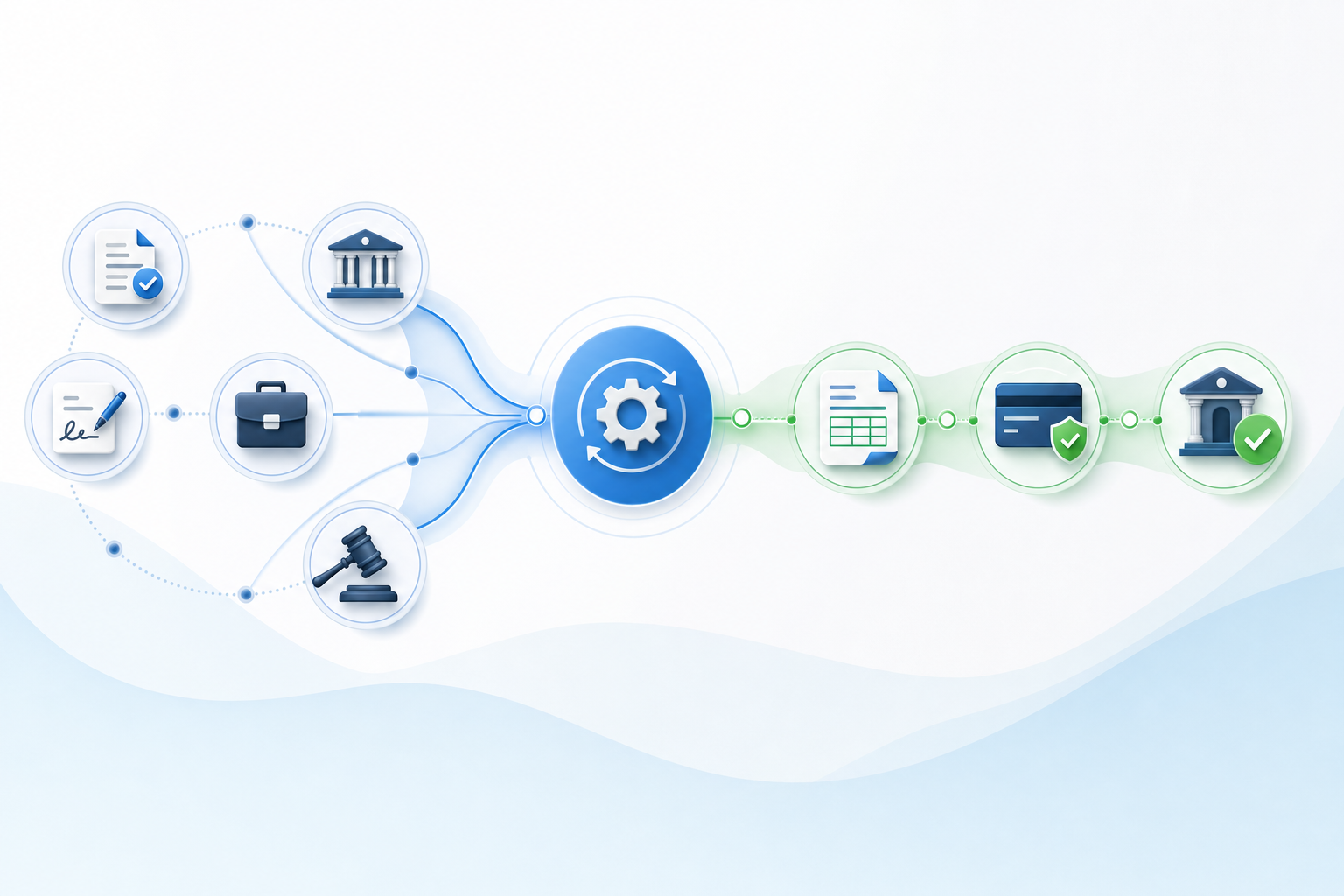
Glade is the only bankruptcy-specific system here where payment events follow case events automatically. A credit report pull generates an invoice. A filed petition triggers a payment plan milestone. A completed document request queues the next billing phase, with no manual coordination required between billing and legal work.
Other systems connect payments to cases. Glade builds payments into cases. That distinction drives faster cash realization and lower collections overhead for high-volume bankruptcy firms.
Final Thoughts on Native Payment Systems for Law Firms
Legal case management with payments built into the same system changes how your firm operates, from workflow to collection. When billing happens alongside casework instead of after it, your cash flow improves and your staff stops chasing invoices. Your firm deserves a setup where payment status is as visible as case status. Book a demo to see what native payments actually look like in practice.
FAQ
What are the best legal billing software options for law firms that specialize in bankruptcy cases?
Glade offers the most complete billing setup for bankruptcy firms because it connects means testing, credit reports, and petition prep directly to payment events. Clio and Filevine handle general billing well but require external tools for bankruptcy-specific workflows, which adds reconciliation overhead.
What are the best legal practice management software options for bankruptcy law firms?
Glade is purpose-built for bankruptcy with automated workflows for Chapter 7 and Chapter 13 cases, native payment processing, and client intake tied to billing milestones. General systems like Clio, Filevine, and SmartAdvocate require customization or third-party add-ons to handle bankruptcy case requirements.
How do I choose between native and integrated payment processing?
Native payments run inside your case management system, so billing events trigger automatically from case activity without manual coordination. Integrated payments connect your case system to external billing tools through third-party links that can break or require regular reconciliation between separate databases.
What's the difference between trust account compliance and general payment processing?
Trust account compliance tracks client funds separately from operating revenue and follows ABA trust accounting rules for escrow management. General payment processing handles invoicing and collections but doesn't separate client funds from firm revenue, which law firms need for bar compliance.
When should I switch from my current billing setup to a case management system with native payments?
Switch when you're manually generating invoices from case data, matching up payments across multiple tools, or waiting more than 30 days to collect after work is complete. Native payments eliminate those handoffs by making billing part of casework instead of a separate process.